






Quick Links
Highlights:
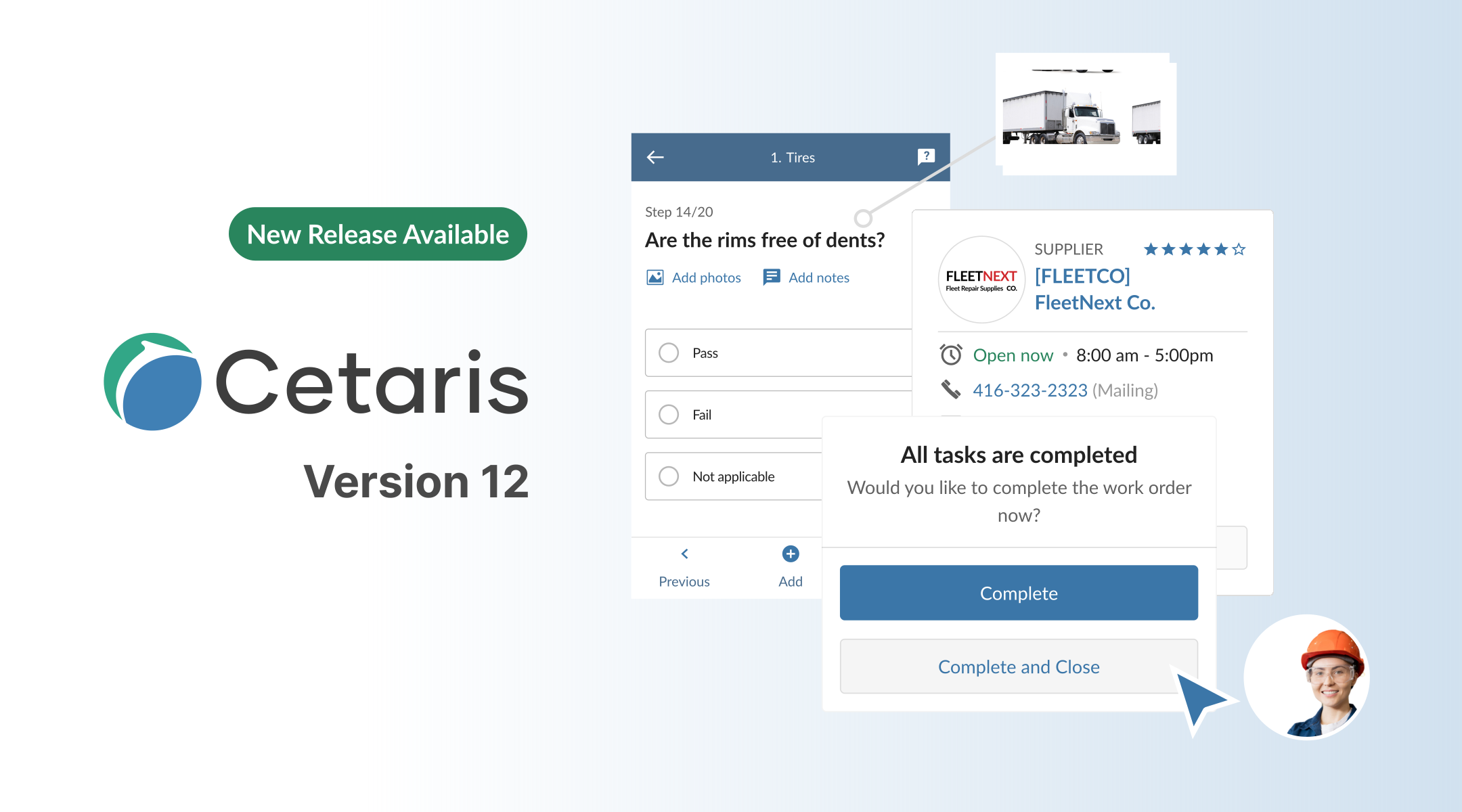
Discover the key new features and functionality in our latest release, Cetaris Version 12, including a next-generation redesign of Supplier and many more enhancements to improve processes, performance, and efficiency.
Summary
Discover the key new features and functionality in our latest release, Cetaris Version 12, including a next-generation redesign of Supplier and many more enhancements to improve processes, performance, and efficiency.
What is new in Cetaris Version 12?
Cetaris Version 12 includes a variety of new features, enhancements, and bug fixes, improving your capabilities and efficiency. Version 12’s highlights include:
- Access a next-generation redesign of Cetaris Supplier with UI improvements.
- Transfer equipment with better accuracy with new process enhancements.
- Create QR codes in the core Cetaris application and web applications.
- Save time with new functionality to skip steps, automate task splitting, reduce clicks/taps, and more.
- Capture more insights with new advanced reporting measures.
Keep reading to explore the latest release, beginning with our the core Cetaris applications, Cetaris Fleet and Cetaris Fixed Asset.
Cetaris Fleet and Cetaris Fixed Asset
Partially Reimburse Warranty Enhancement
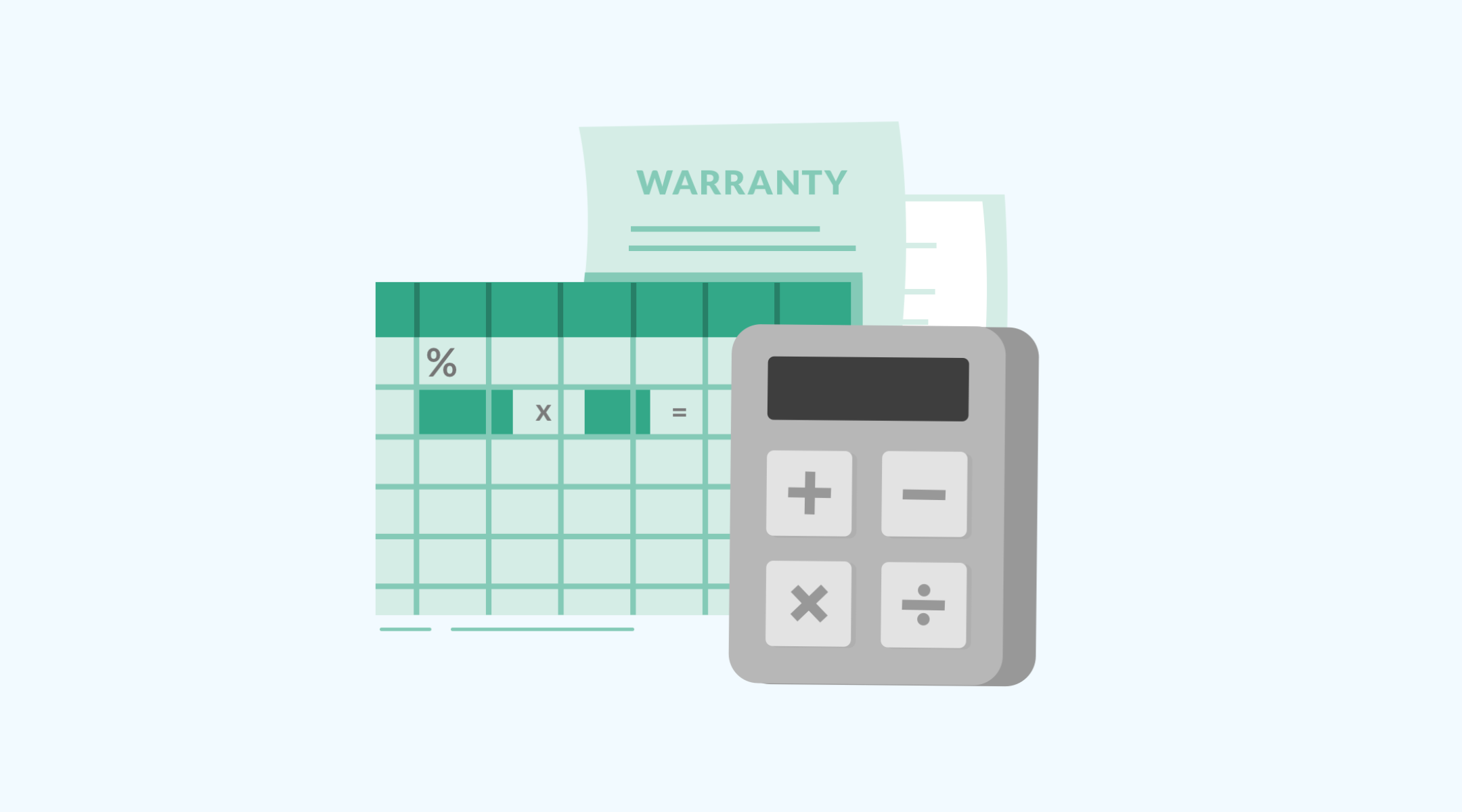
Users now have the ability to automatically open a Follow-up Claim while performing partial reimbursement. We have also introduced a new NVP flag, “WC_Warning_ReimburseExceedClaimed” to set a threshold percentage value to alert users. Plus, a new pop-up notification warns users if the reimbursed total exceeds claimed total.
Create QR Codes
Introduced the ability to create a QR code using the Barcode Editor.
Move Attachments Outside the Database
Optimized file archiving process to avoid storage space and performance issues.
Skip Items on Inspection Template
Inspection Template has been enhanced to support skipping Sections and Items while performing inspections.
Transfer Equipment
A revamped process is available to update Cost Center, Equipment Status, Alt Status, Activity Code, and Business Unit before transferring equipment.
Redesign of Supplier Module
In the Supplier module of the Cetaris application, supplier functionalities have been redesigned with enhanced cloud-based architecture. This change allows us to instantly deliver new upgrades and bug fixes with a shortened deployment process. In addition, the new design focuses on usability and streamlines the purchase process.
Changes made to the redesigned Supplier interface:
–Supplier types: New Supplier Types configured in Cetaris Fleet are supported.
–Supplier website: Ability to add website to Suppliers.
–Supplier logo: Ability to add logo to Suppliers.
–Support attachments: Ability to add Attachments to Suppliers.
–Audit log: Enhanced Audit trail by including additional information in the Details
–Warranty Claim Export flag: Ability to enable warranty claim export to Suppliers. (Requires SIM integration)
–Vendor Portal: Ability to configure Pay to Account , view Service Reminders while adding the repair line, and automatically accept purchase order based on the specified threshold. (Requires Vendor Portal mobile app)
System Integrated Modules (SIMs)
There are several enhanced SIMs related to Redesigned Parts Purchase Order and Supplier interfaces for customers hosted in Cetaris’ environment:
-Redesigned Supplier Import SIM.
-Redesigned Parts Purchase Order in the PPO Invoice Import SIM.
-Redesigned Parts Purchase Order in the PPO Shipment Notification Import SIM.
-Attachments Powershell Export SIM (using configurable file destination).
Advanced Reporting
Through the Advanced Reporting available in Microsoft Excel, we’ve added a new Budget Cube, as well as several powerful new measures and dimensions.
New: Budget Cube
WO Cube
-Added measure [Preventive Maintenance Efficiency] under RAM KPIs.
-Added measures CPM and Cost Per *** under WO Labor and WO Part.
-Added CPM Target measure group and CPM Target Detail dimension; Added CPH and CPKm.
-Added WO Line Alt Status, WO Alt Status, DVCR Status and WO Det Detail dimensions to WO Labor and WO Part.
-Added new attribute, “Add Is First SJ Line” to the WO Det Detail dimension.
Part Cube
-Added Measure Group Part Transfer Header and Measure Group Part Transfer detail; Added dimension Part Transfer detail and dimension [Part Transfer Det Detail].
PO Cube
-Added Employee dimension, POHdrApprovalDateTime1 and POHdrApprovalDateTime2 to PO Header. Added Employee dimension to PO detail.
Equipment dimension
-Added Asset Lockout Startup Detail field.
Cetaris Version 12 for Mobile & Web Apps
New features and enhancements included in the Cetaris Version 12 release of our mobile and web applications include:Barcode scanner on all mobile devices support QR codes as they are faster, more accurate, and less prone to error than barcodes.
Improved logging of Support tickets submitted from all web applications will now capture better logs.
Cetaris Plan
Cetaris Plan is a new scheduling app that makes it easy to plan and prioritize repairs to keep your team focused on the work that matters. This includes a few key features:
Geofences
You now have the ability to find upcoming work due within a geofence or multiple geofences.
Split Tasks Around Breaks
Tasks assigned at the same time as breaks can be split around the break in one click. There is no need to manually edit the technicians to account for a common scheduling scenario.
Sync with the Work Order
The work order assignment will stay in sync with the schedule so that any time an update is made on the schedule it’s reflected right away on the work order.
Inactive Technicians
Inactive technicians will be automatically removed from your plan and any tasks assigned to them are highlighted to be rescheduled either individually or in bulk.
Cetaris Fix
Cetaris Fix is our technician productivity app that allows you to track repairs from any device. Key new features in this app include:
Close Work Order
Upon completing the final work order task, the technician can now be prompted to either complete the work order or close the work order. Closing the work order is available only to technicians with permission.
Change Primary RFR
Updating the reason for repair on the first task of the work order will update the work order top level reason for repair. This will help avoid conflicting information getting in the way of reports and analysis.
Cetaris Inspect
Cetaris Inspect is required to perform inspections, and new functionality includes:
Inspections on Standard Jobs with Multiple Repair Lines
Standard jobs with multiple repair lines will now allow you to select which labor to clock on when doing an inspection.
More Options for Tasks Created During the Inspection
Prior to Version 12.0, any new tasks raised during inspection had to be on the same work order as the inspection. In 12.0, tasks can be added to any existing work order or a new work order if the user has permission to create one. There is also the added capability to have a specific Reason for Repair automatically applied to new tasks from an inspection.
Skip Steps or Sections
Inspection steps and sections can now be skipped based on earlier responses. This will reduce the number of inspection templates needed to handle niche cases. Skipped inspection steps will show up on the printed report and on the desktop application to identify that they have been skipped. A new preview tool has also been added to the inspection template to help validate which steps are going to be skipped.
Efficiency Updates
-Each step will show clear progress while working through the inspection.
-A prompt to complete the inspection will pop up as soon as all steps are completed.
-Redesigned buttons will reduce the number of taps/clicks needed to answer a step.
Each step will jump to the next one after being answered, further reducing the number of taps/clicks needed.